Installation
Prerequisites
You must have Shopify admin access to install and manage the app.
Installation Steps
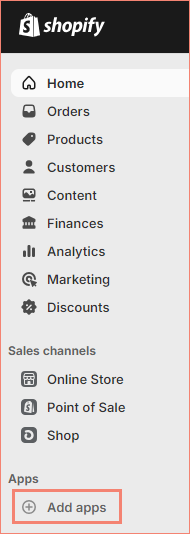
- Click Add Apps in the left-side menu.
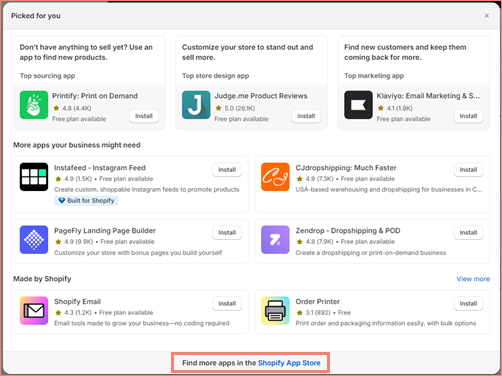
- You may be prompted with the Picked for you screen. If so, click the Shopify App Store link.
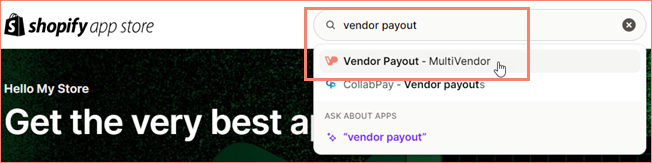
- Type Vendor Payout into the search bar. Then, click on Vendor Payout in the results.
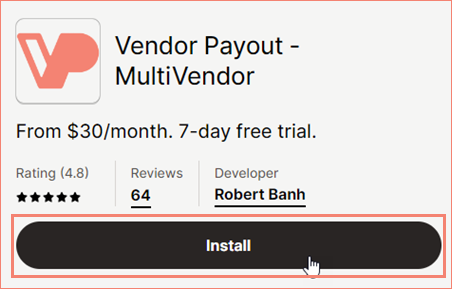
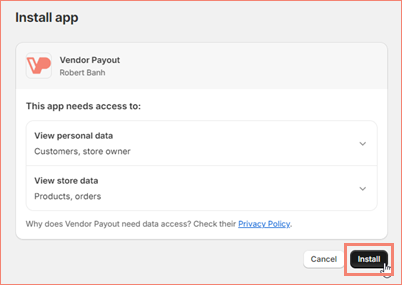
- Click the Install button.
- A new browser tab will open. Click the Install button.
Trial Period
After the app is successfully installed, you will be prompted to enter your payment information in the form of a credit card or PayPal account. You'll receive a 7-day free trial to explore all features.
Launching the App
- After installation, click Apps in the left-side menu.
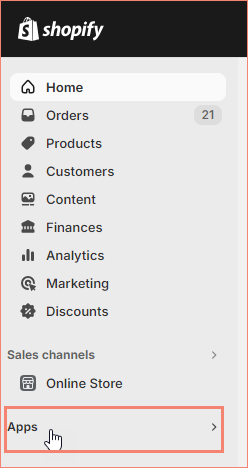
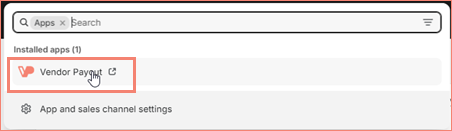
- Select VendorPayout from the list.
Next Steps
We recommend setting up VendorPayout in this order: