The Products & Inventory Screen
Launch VendorPayout and navigate to the Products & Inventory section to view all items and stock levels.

Features
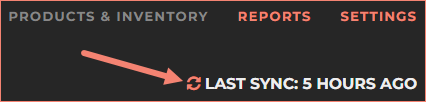
Use the sync function to refresh product data from Shopify.
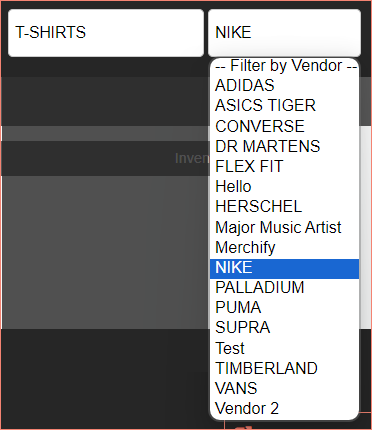
Use the filter options to search by product name and vendor. Use clear filters to reset views.
Information Displayed
Each product listing shows:
- Product thumbnail
- Product title
- Category
- Last order date
- Vendor name
- SKU variants
- Pricing
- Current inventory levels
Export to CSV
You can export filtered or all product data to a CSV file for use in external programs. The export button appears at the bottom of the products list, and files download automatically to your browser's download folder.
Hide or Restore Products
Use Delete on a product row to hide it from VendorPayout. To bring it back, open More > View deleted products and click Restore. See Delete (Hide) and Restore Products for step-by-step instructions and help with products missing from a vendor view.