Resetting a Vendor Password
VendorPayout does not have a self-service password reset option for vendors. Only administrators can initiate password resets.
Steps to Reset
- Open VendorPayout.
- Locate the vendor account and click "Edit".

- Enter a temporary password in the password field.
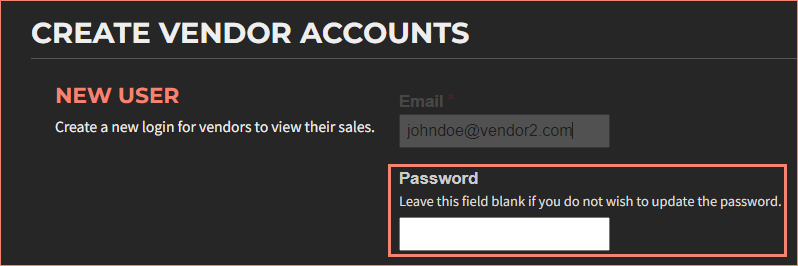
- Click "Update user" to save the change.
- Share the temporary password with the vendor and instruct them to set a permanent password via the Settings menu after logging in.