Running Reports
Access reports by launching VendorPayout and navigating to the Reports section.

Filter Options
The system displays sales and payout data for all vendors and payout statuses. Filter by:
- Shopify Payment Status
- Specific vendors
- Date ranges

Report Information
Reports show:
- Vendor name
- Total products sold
- Gross sales figures
- Total vendor payout amounts
Drilling Down for Details
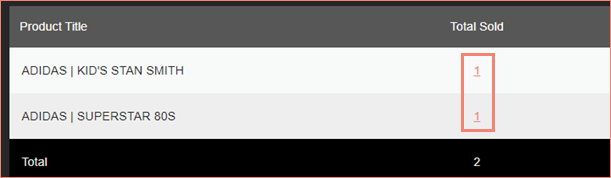
VendorPayout offers a hierarchical drill-down capability:
Click on the "Total Products Sold" link to see product-level data.


Click "Total Sold" for individual products to see the associated orders.

Export Options
You can export report data to:
- CSV files for use in spreadsheets
- PayPal Mass Payments format for bulk vendor payments
Export buttons appear at the bottom of result grids and are available at each drill-down level.
