Orders Page Overview
The Orders screen displays three summary metrics at the top: total sales across all orders, vendor payouts owed or made, and your profit.

The order grid lists detailed information including order ID, date, products, vendor name, quantity, pricing, costs, fees, vendor splits, payouts, and profit margins.

Finding Specific Orders
Use the filter options to locate specific orders:
- Order number
- Payment status (Paid/Unpaid)
- Shopify order status
- Product type
- Vendor
- Date range

Click the Submit button to apply filters. Applying filters updates all summary totals accordingly.

Editing Order Details
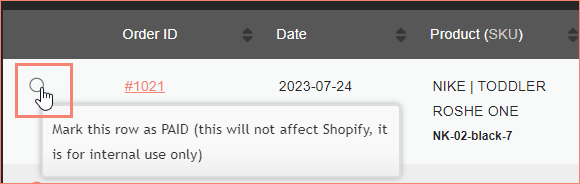
Mark orders as paid for tracking purposes.
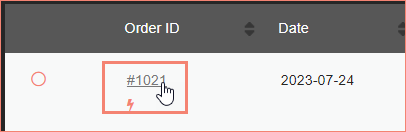
Click the Order ID link to open the order in Shopify.
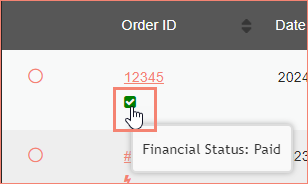
Hover over the status icon to view the financial status of the order.
Click Edit to open the Edit Order screen. Editable fields include order ID/name, date, product, SKU, price, vendor, vendor payout, and profit. Changes must be saved manually and do not sync back to Shopify.
