Discount Calculation Settings
You can choose how discounts affect vendor payouts. Configure a single calculation method for all vendors, or customize settings individually.
How to Configure
- Access Settings in VendorPayout.

- Locate the Discounts section.

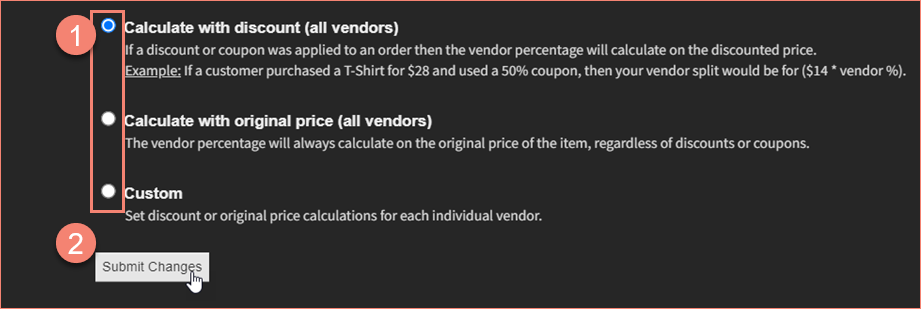
- Select from three options:
- Calculate with discounts (all vendors): Payouts based on the discounted price
- Calculate with original price (all vendors): Payouts based on full price regardless of discounts
- Custom: Set different rules per vendor
- Click Submit Changes to save.
Example
Consider a T-shirt priced at $28 with a 50% discount applied:
- Calculate with discounts: Vendor payout is based on the $14 discounted price
- Calculate with original price: Vendor payout is based on the full $28 value