When to Recalculate
Use the recalculation feature after making changes to vendor settings, such as reassigning vendors to specific products or updating split percentages.
Important Limitation
The recalculation feature is restricted to the previous 3 months of order data. If you need calculations beyond this timeframe, contact support@vendorpayout.com.
How to Recalculate
- Launch VendorPayout and navigate to Settings.

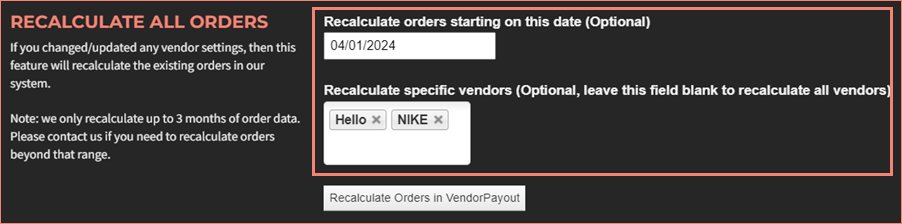
- Optionally set filters:
- Enter a date within the last three months
- Select specific vendors from the dropdown
- Click "Recalculate Orders in VendorPayout".
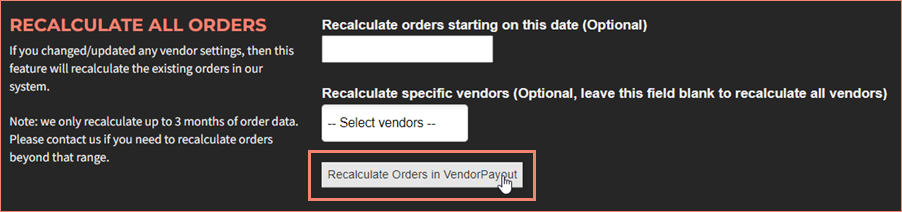
If no date or vendor filters are specified, the system will recalculate all orders from the past three months.